Turn job photos into
scroll-stopping reels.
Upload your job photos. Our AI turns them into a polished, vertical video ready for Instagram Reels, TikTok, and YouTube Shorts - in under 3 minutes, from just $15 per video.




Tips for great reels & how to edit the output▾
- Match your reel orientation. For vertical (9:16) reels, portrait photos fill best. For horizontal (16:9), use landscape shots. Off-orientation photos will be cropped to center.
- Frame the subject centered. Cropping to 9:16 from a landscape shot keeps only the middle third - so put the hero (pool, kitchen, house) in the center.
- Keep it under 12 photos, in the story order you want. Photos render top-down, so put the wow shot last.
- Skip photos with unwanted extras (cluttered background, other cars, people you don't want featured) - the AI can't remove things, only animate what's there.
- Photo looks small / has extra space? The source photo's aspect ratio didn't match your reel orientation. Swap it for a photo shot in the same orientation as your reel (vertical for 9:16, horizontal for 16:9).
- AI added something that isn't there (water spout, extra part, phantom object)? Re-render - AI motion is probabilistic. If it happens twice on the same photo, remove that photo or swap it for a tighter crop.
- A clip is frozen or looks static? That specific photo confused the AI. Delete it or replace with a shot that has clear subject-background separation.
- Want a different music vibe? Pick another track from the music selector - the same photos with different music can feel completely different.
- Download the MP4 from your dashboard. It's a standard 1080×1920 (or 1920×1080) H.264 file - any editor can open it.
- Quick trim or caption add: CapCut (free, mobile), InShot (free, mobile), or the built-in Instagram Reels editor - drop the MP4 in, add text overlays, hashtags, or your logo.
- Desktop editing: DaVinci Resolve (free), iMovie (Mac), or Premiere Rush - trim clips, adjust speed, or add voiceover.
- Re-render with different settings. Cheaper than editing: just click Create again with different photos, a new music track, or a different category preset. Renders cost one credit each.
- Still stuck? Email us at hello.digitalproperties@gmail.com with your job ID and what looked wrong - we can often refund the credit and coach you through it.
From dull photos to cinematic reels
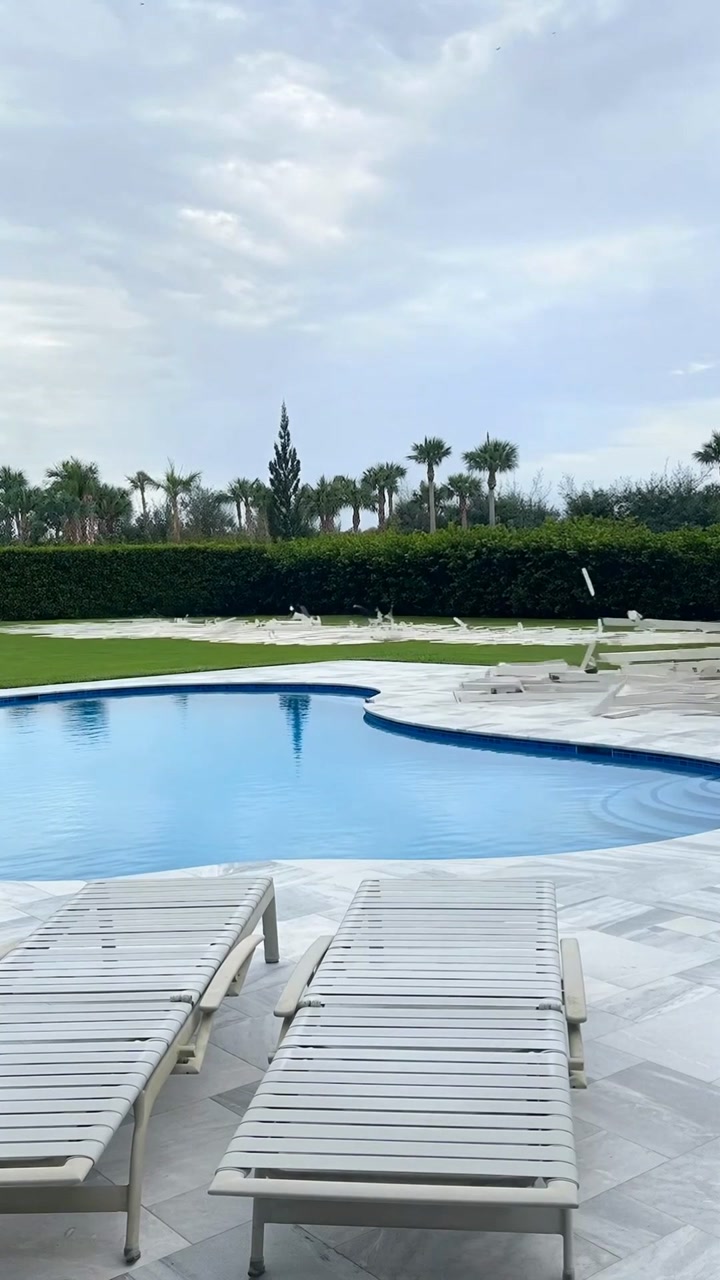
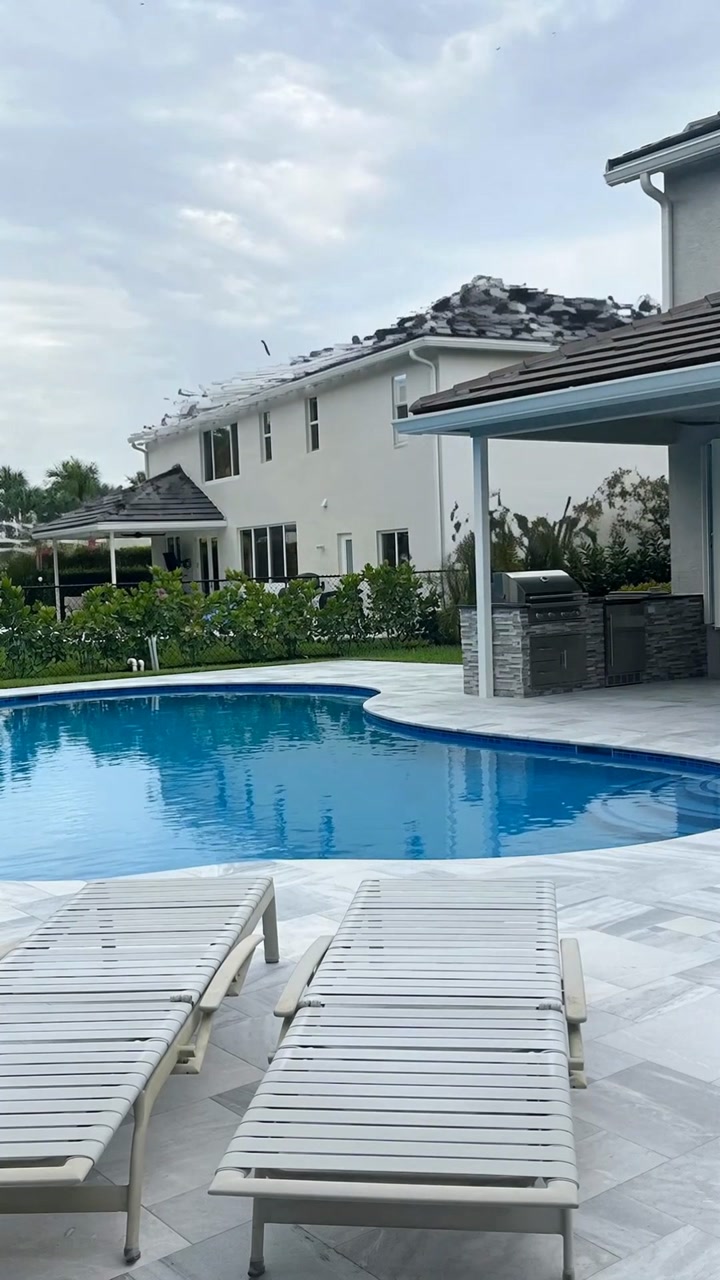
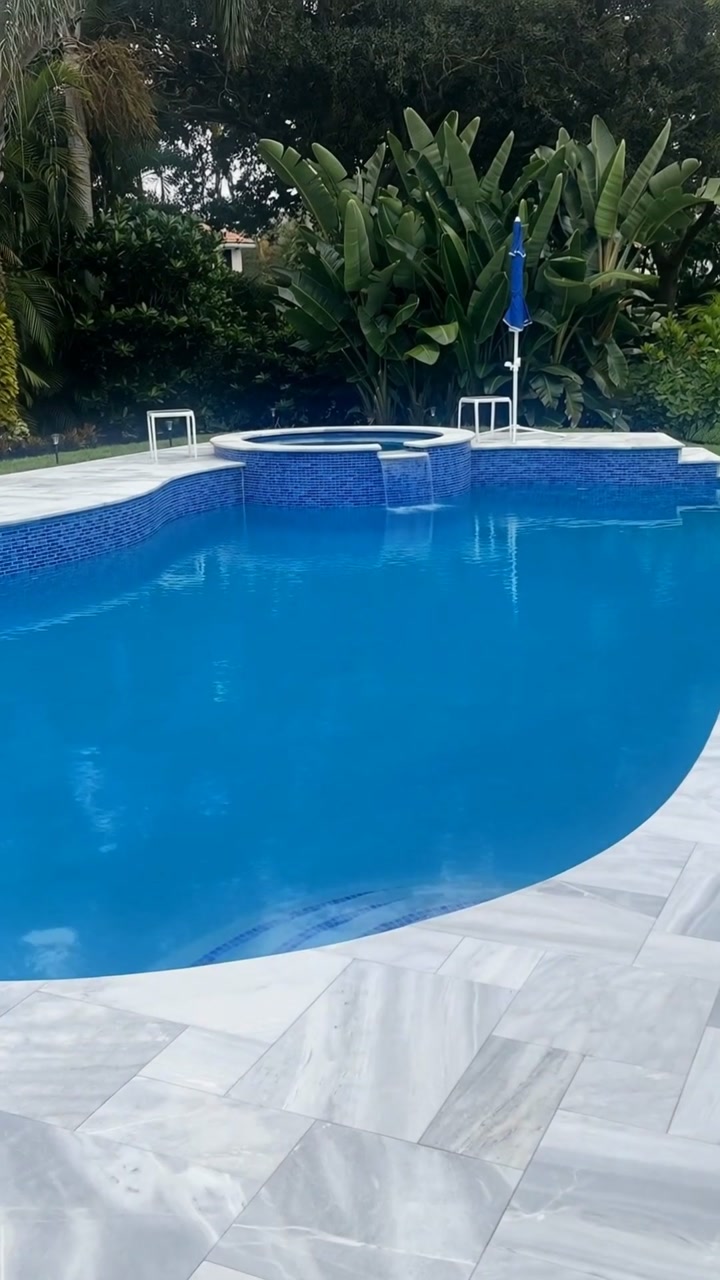
Watch how JobReelz transforms static job site photos into scroll-stopping motion - automatically.
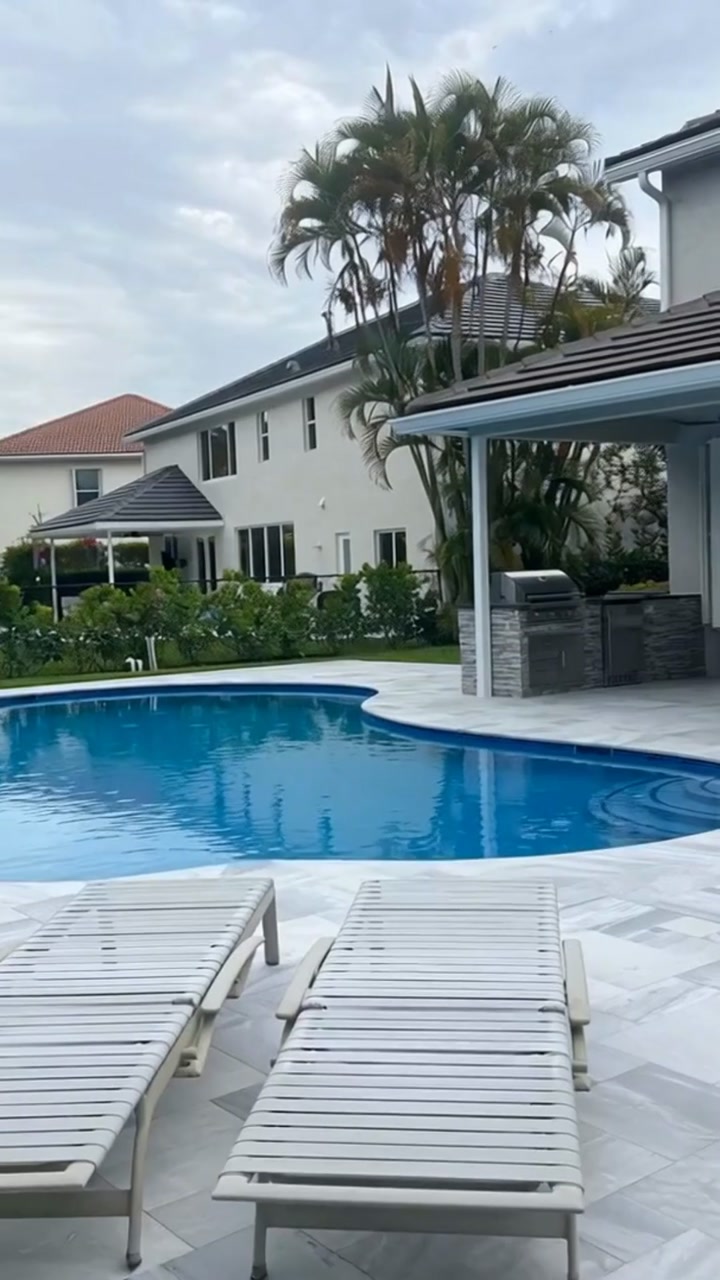
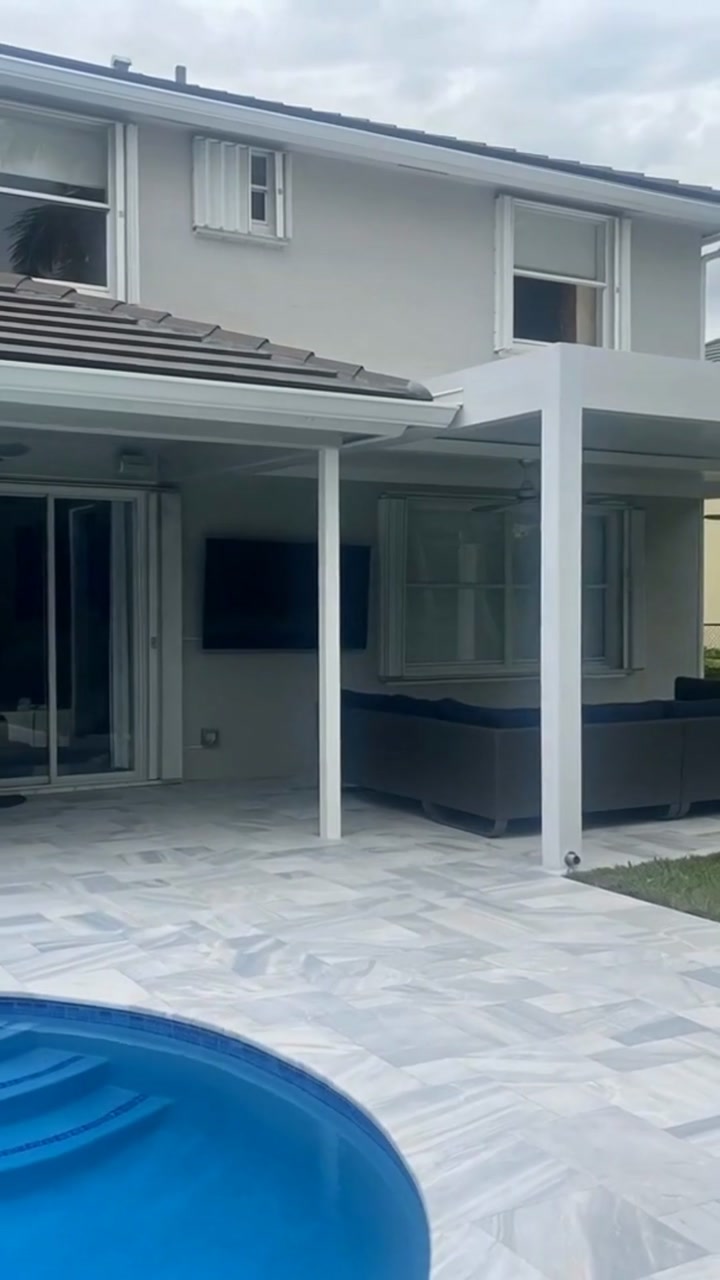
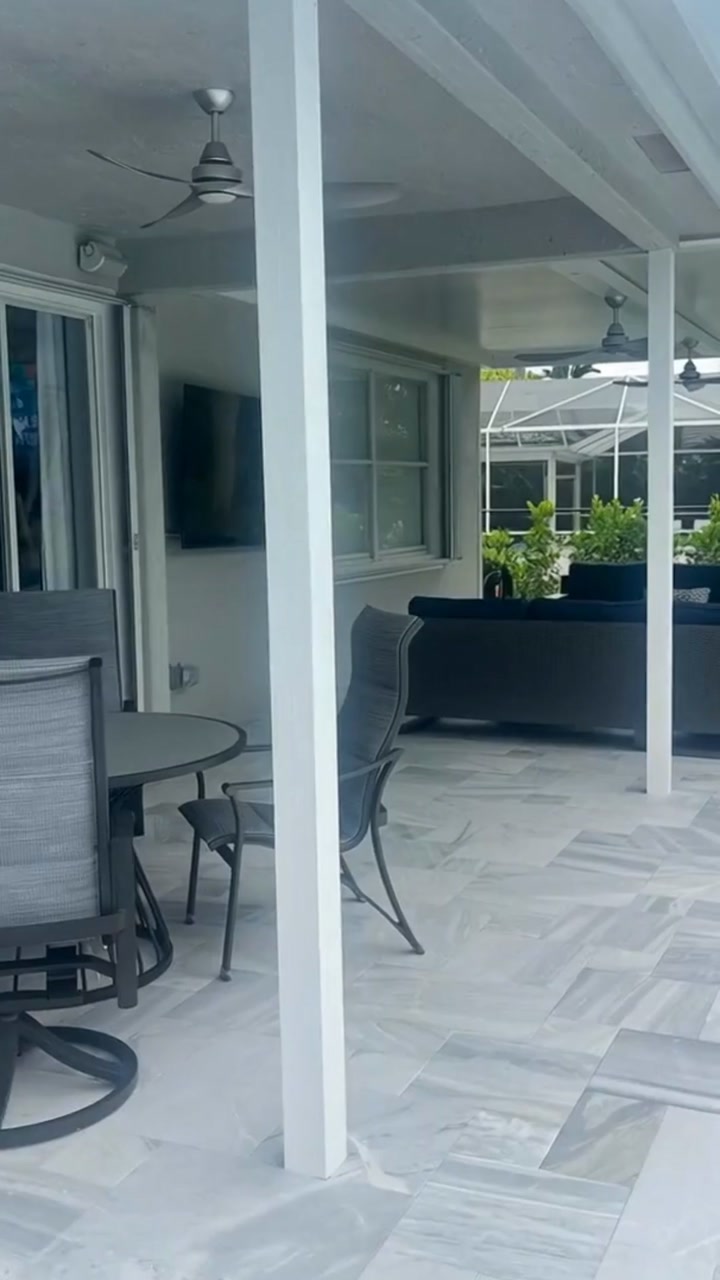
Built for every trade that wins jobs on social
JobReelz is the automated video ads platform contractors, pool builders, remodelers, and home-service pros use to turn raw job photos into branded short-form videos - ready for Reels, TikTok, and Shorts.
Contractors
The AI video generator for contractors. General contractors, remodelers, and specialty trades use JobReelz to turn jobsite progress shots into branded marketing reels - no editor required.
Pool Builders
The AI video generator for pool builders. Water shimmers, scuppers cascade, and the camera sweeps across your finished installation. Every build becomes a scroll-stopping reel.
Home Builders
Video ads for home builders, made automatic. Model-home elevations get confident upward tilts and forward pushes; interiors pick up warm pendant-glow and reflection highlights.
Remodeling Companies
AI video for remodeling companies: kitchen, bath, and whole-home remodels become cinematic reveal reels - perfect for Instagram, TikTok, and Meta ads.
Home Services
An AI video creator for home services of every stripe - roofers, landscapers, flooring installers, pavers, outdoor-living pros. Each trade has its own motion profile.
Construction Companies
Create marketing videos for construction companies in minutes. Our construction video marketing tool handles photo analysis, motion, music, and branding end-to-end.
Frequently Asked Questions
Everything contractors, pool builders, remodelers, and home-service pros ask before switching their video marketing to JobReelz.